Image Generator Video Generator Face Swap AI Upscaler Auto Angle Generator Director's Cut AI VirtualSet Art Director Pro Expression Transformer ClothSwap Scene Snap YouTube Ref SpinAngle CineGrade AI Image Generator Video Generator Face Swap AI Upscaler Auto Angle Generator Director's Cut AI VirtualSet Art Director Pro Expression Transformer ClothSwap Scene Snap YouTube Ref SpinAngle CineGrade AI
KBS Production Verified · Causality-Driven AI

Type your scenario —
get 9 frames that tell one story.

XConda is the only AI creative platform that keeps characters, environments, and story logic consistent across every scene — from storyboard to final cut. Claim your first free 100 credits.

14+
AI Tools
9
Frames Per Story
3–5 min
Per 9-Cut Sequence
70%
Cost Reduction
100%
Commercially Yours

Explore XConda

The Problem

AI Video Breaks When Stories Begin

Today's AI tools generate beautiful single shots — but fail catastrophically when building real narratives. Every new cut is a new generation, and nothing carries forward.

Characters change appearance across cuts
Backgrounds lose spatial structure
Continuity breaks after a few scenes
Manual fixes slow everything down
83%
of viewers detect inconsistencies in AI-generated video — and lose trust immediately. Consistency is the difference between content and storytelling.

The Solution

One Platform. Two Engines. Total Consistency.

XConda is the only AI video tool solving both character and environment consistency — two engines working together to make every scene cohere.

LIVE PREVIEW
ENGINE 01
0:00
Consistency Engine 01
AI VirtualSet
Background Consistency — Solved
Turn a single indoor photo into a full 360° cinematic environment
Maintain spatial accuracy across every camera angle and cut
No 3D engine, no GPU rendering — AI handles everything
Explore AI VirtualSet
LIVE PREVIEW
ENGINE 02
0:00
Consistency Engine 02
Art Director Pro
Character Consistency — Automated
4 AI agents verify, correct, and propagate character states
Costume, expression, and injury persist across every cut
Change one frame — the rest updates automatically
Explore Art Director Pro

Before vs After

From Hours of Fixing… to Minutes of Production

Without XConda
~1 hour per 9-cut sequence — just for corrections
Manual character fixes required after every cut
Full regeneration whenever the story changes
High production cost, slow delivery
Results feel like footage — not a story
⏱ ~60 minutes per iteration
With XConda
3–5 minutes for a complete 9-cut sequence
Fully automated character and environment consistency
Only errors are patched — no full regeneration
Up to 70% cost reduction vs. standard workflows
Cinematic, story-coherent output — every time
⚡ 3–5 minutes per iteration

How It Works

From Idea to Final Scene in 4 Steps

Click each step to see exactly what XConda does at every stage of your production.

Step 01 of 04
Describe Your Vision
Write your story arc, characters, and scene descriptions in plain language. No film syntax, no technical parameters — just your idea. XConda understands creative intent directly from natural language input.
  No filmmaking experience required
Step 02 of 04
Generate a Multi-Cut Storyboard
XConda compiles your concept into a complete multi-scene sequence — up to 9 cinematic cuts — determining shot types, character placement, environment logic, and scene order automatically. You see the full story arc before a single frame is rendered.
  Up to 9 scenes in under 60 seconds
Step 03 of 04
AI Validates Every Frame
Every character, background, and scene element is cross-referenced against your story state. Art Director Pro checks character continuity. AI VirtualSet checks environment consistency. Any drift is corrected before export — automatically, without human review.
  Zero manual correction required
Step 04 of 04
Download & Publish
Export your complete sequence in high resolution — ready for social media, broadcast, advertising, or further production. All content is commercially yours. No watermarks, no usage restrictions.
  100% commercially licensable
01
Describe Your Vision
Write your story in plain language — no film syntax needed. XConda understands creative intent directly.
02
Generate Multi-Cut Storyboard
XConda builds a complete sequence — up to 9 cinematic cuts — with scene order, shot types, and character logic determined automatically.
03
AI Validates Every Frame
Character and environment consistency is verified and corrected before export. Zero manual correction needed.
04
Download & Publish
High-resolution export, production-ready. Commercially yours — no watermarks, no restrictions.

14 AI-Powered Tools

Every Tool You Need. One Platform.

Click any tool below to explore what it does and how it fits into your creative workflow.

XConda Studio — Image Generator
TOOL 01 / 14
Image Generator
Generate high-resolution, photorealistic images from text prompts in seconds. Supports multiple styles from cinematic to editorial to product photography.
Text-to-ImageHigh ResolutionMulti-Style
Try Image Generator
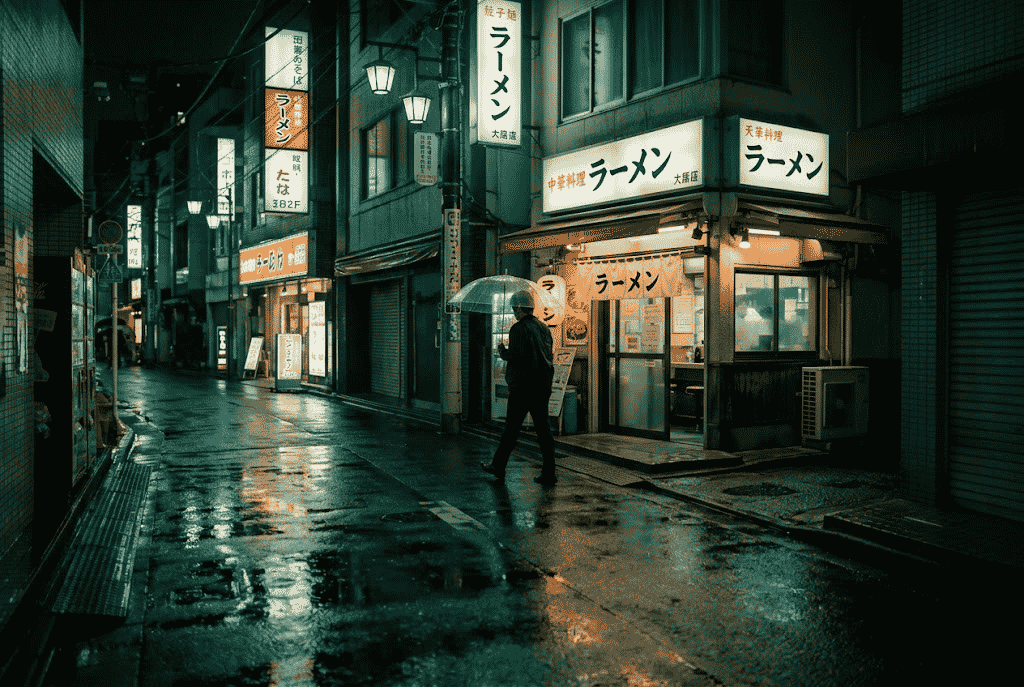
AI Image Generation — vibrant abstract digital art
Output Quality
4K
Ready for print & broadcast
XConda Studio — Video Generator
TOOL 02 / 14
Video Generator
Create stunning videos from text prompts alone — bring your creative vision to life with smooth, cinematic AI video generation.
Text-to-VideoCinematicMulti-Length
Try Video Generator
Cinematic video production
Generation Speed
Seconds
Not hours
XConda Studio — AI Upscaler
TOOL 03 / 14
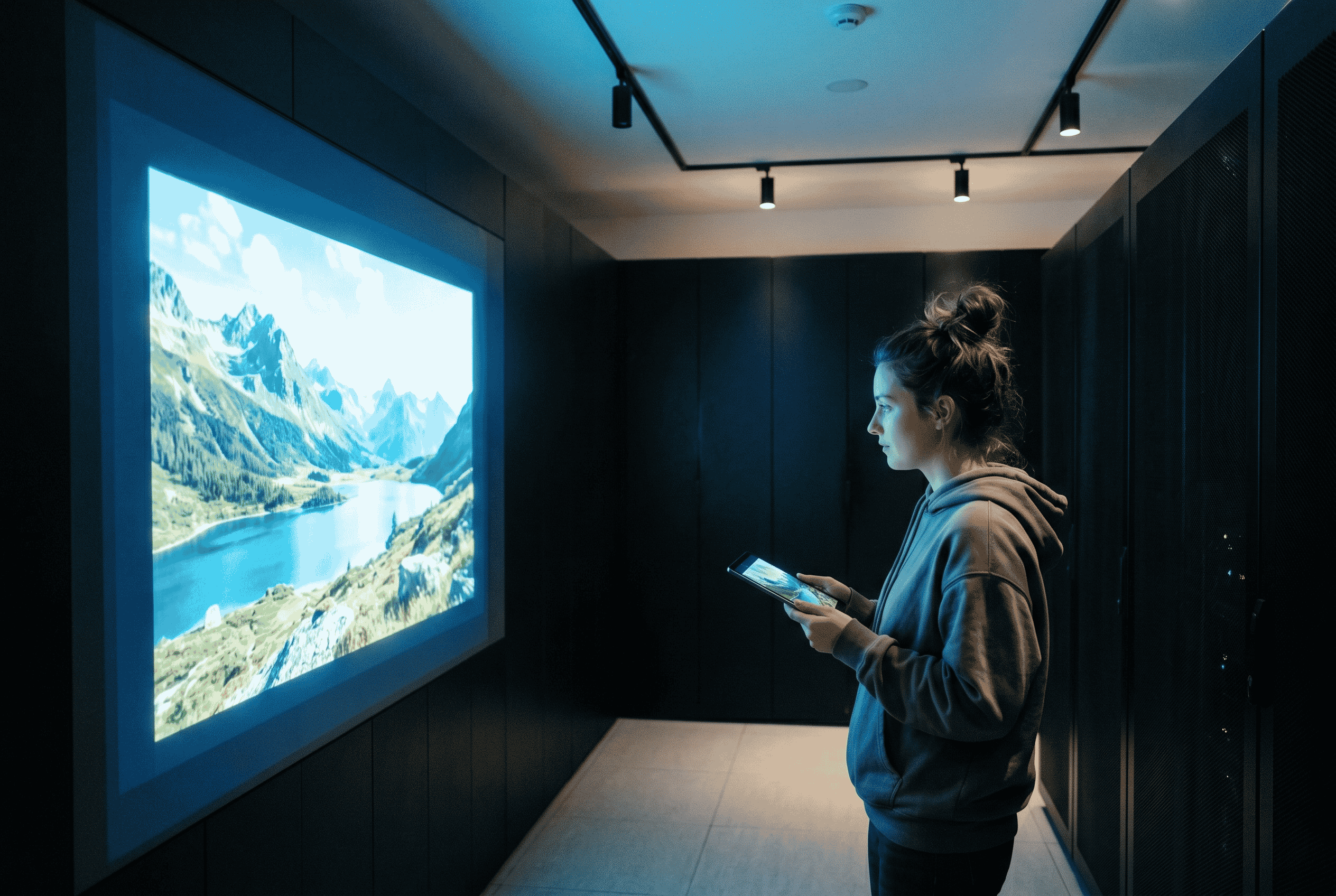
AI Upscaler
Enlarge any image up to 4× without losing quality. AI intelligently reconstructs detail, texture, and sharpness that traditional upscaling destroys.
Up to 4×Detail PreservationBatch-Ready
Try Upscaler
Ultra sharp architectural detail — AI upscaling
Max Upscale
No quality loss
XConda Studio — Face Swap
TOOL 04 / 14
Face Swap
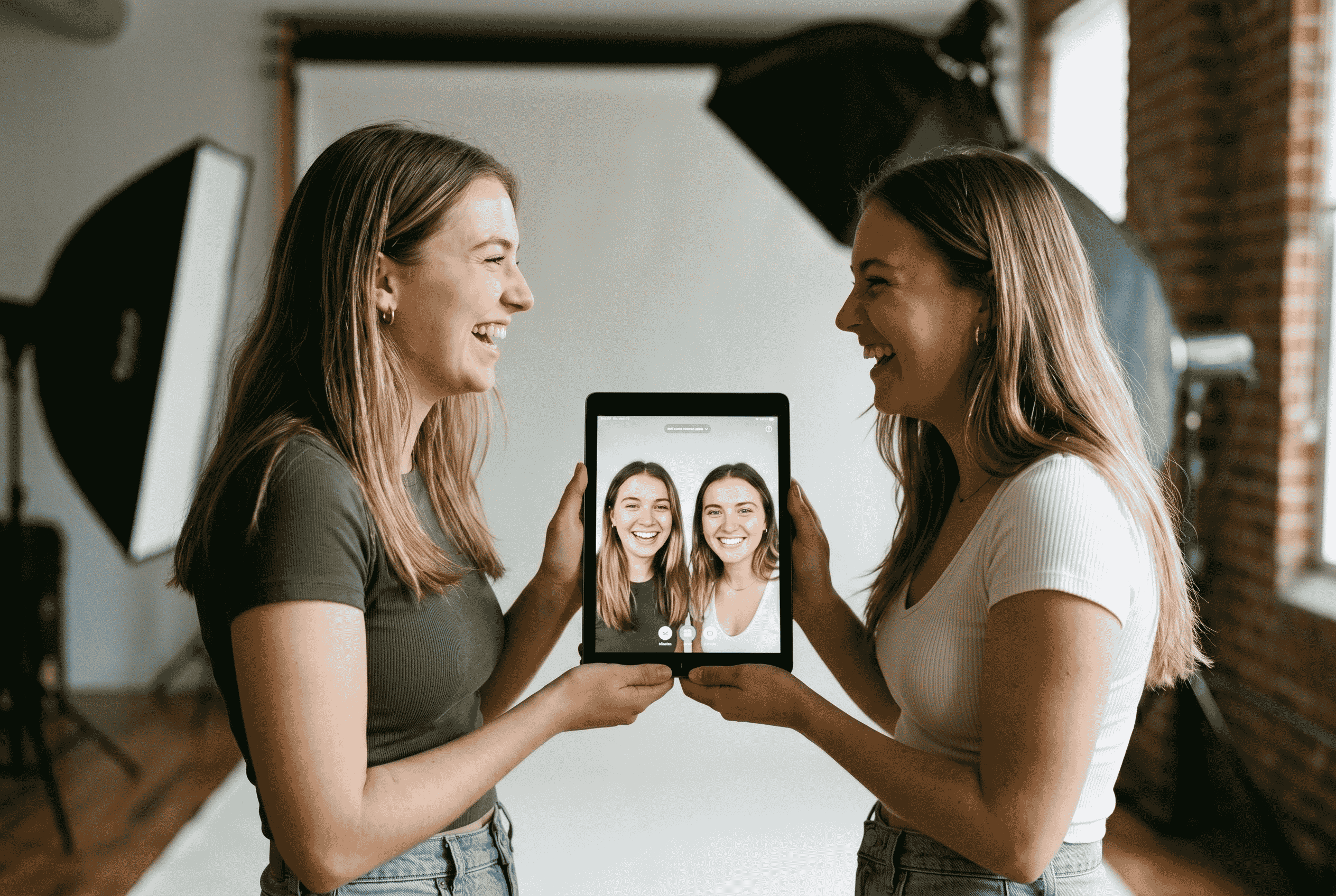
Swap faces in photos and videos with AI-powered precision — preserving lighting, skin tone, and expression matching for seamless results.
Precision MatchingLighting-AwareExpression Preserve
Try Face Swap
Portrait face swap AI
Accuracy
Seamless
Lighting-matched results
XConda Studio — Auto Angle Generator
TOOL 05 / 14
Auto Angle Generator
Adjust image camera angles effortlessly with AI-driven shot generation. From wide to close-up, from front to profile — consistent across every view.
9 AnglesConsistent SubjectCinematic Shots
Try Auto Angle
Multi-angle camera shots AI
Angles per Reference
9
All consistent
XConda Studio — Cinematic Image Blender
TOOL 06 / 14
Cinematic Image Blender
Transform ordinary photos into cinematic masterpieces. Apply film-grade color grading, depth of field, and cinematic look development with one prompt.
Film LookColor GradeDepth of Field
Try Cinematic Blender
Cinematic film color grading golden hour
Output Style
Cinematic
Film-grade quality
XConda Studio — Expression Transformer
TOOL 07 / 14
Expression Transformer
Change facial expressions with simple text prompts. Move a character from neutral to joyful, tense, surprised, or any other emotional state — naturally and precisely.
Text-ControlledNatural ResultsStory-Aware
Try Expression Transformer
Expressive human face emotion AI
Control Method
Plain Text
No parameters needed
XConda Studio — Director's Cut
TOOL 08 / 14
Director's Cut
Generate up to 9 complete, story-driven scenes from your concept or script — with consistent characters, narrative flow, and cinematic structure, automatically.
9-Cut SequencesStory-DrivenAuto-Continuity
Explore Director's Cut
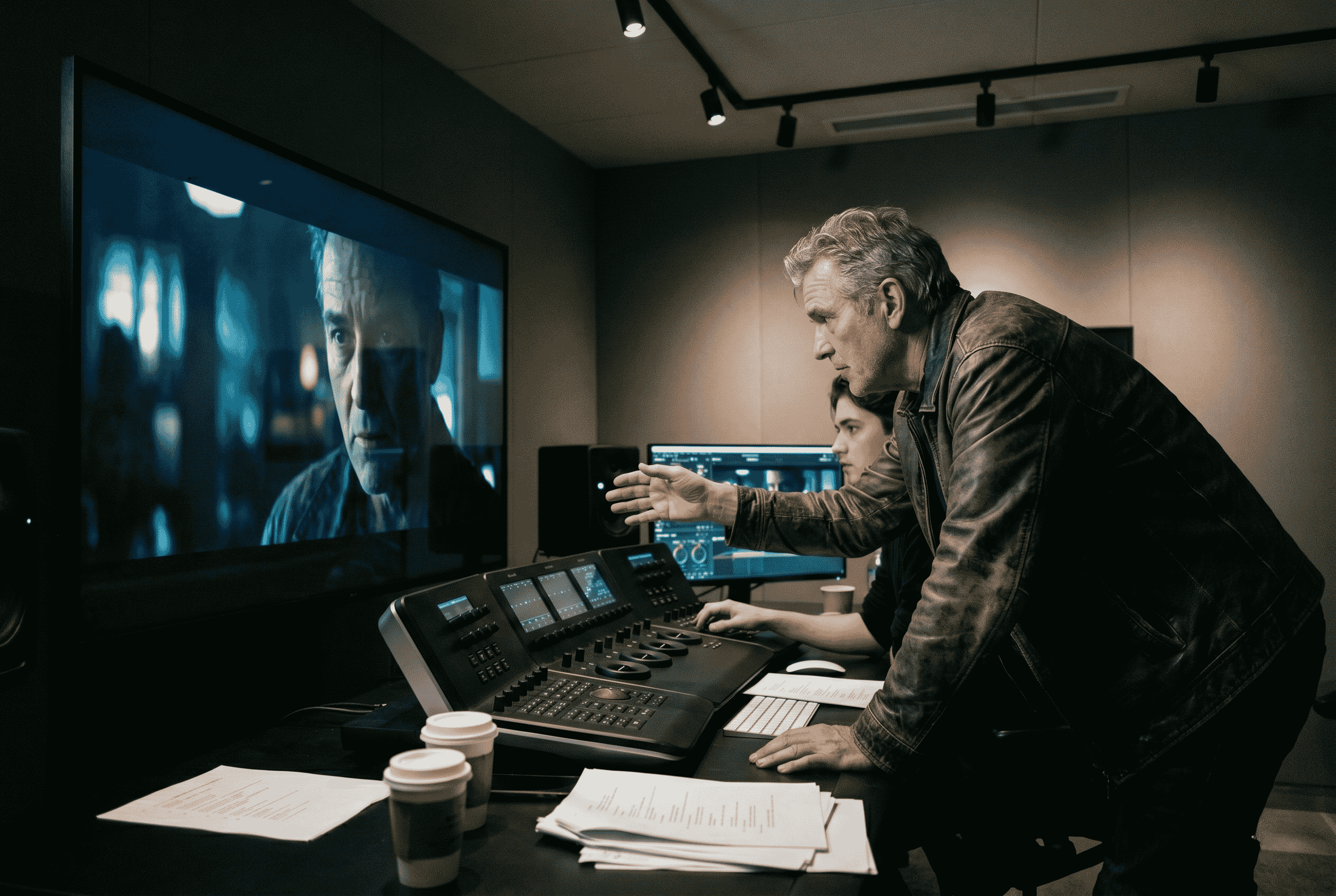
Film director movie set production
Scenes per Sequence
9
Story-coherent, every time
XConda Studio — Art Director Pro
TOOL 09 / 14
Art Director Pro
4 AI agents work in sequence to verify, correct, and propagate character continuity across every frame — costume, expression, injury state, and more. Include your character's name in the scenario so AI can connect face and outfit references.
4 AI AgentsCausality-BasedAuto-Propagation
Explore Art Director Pro
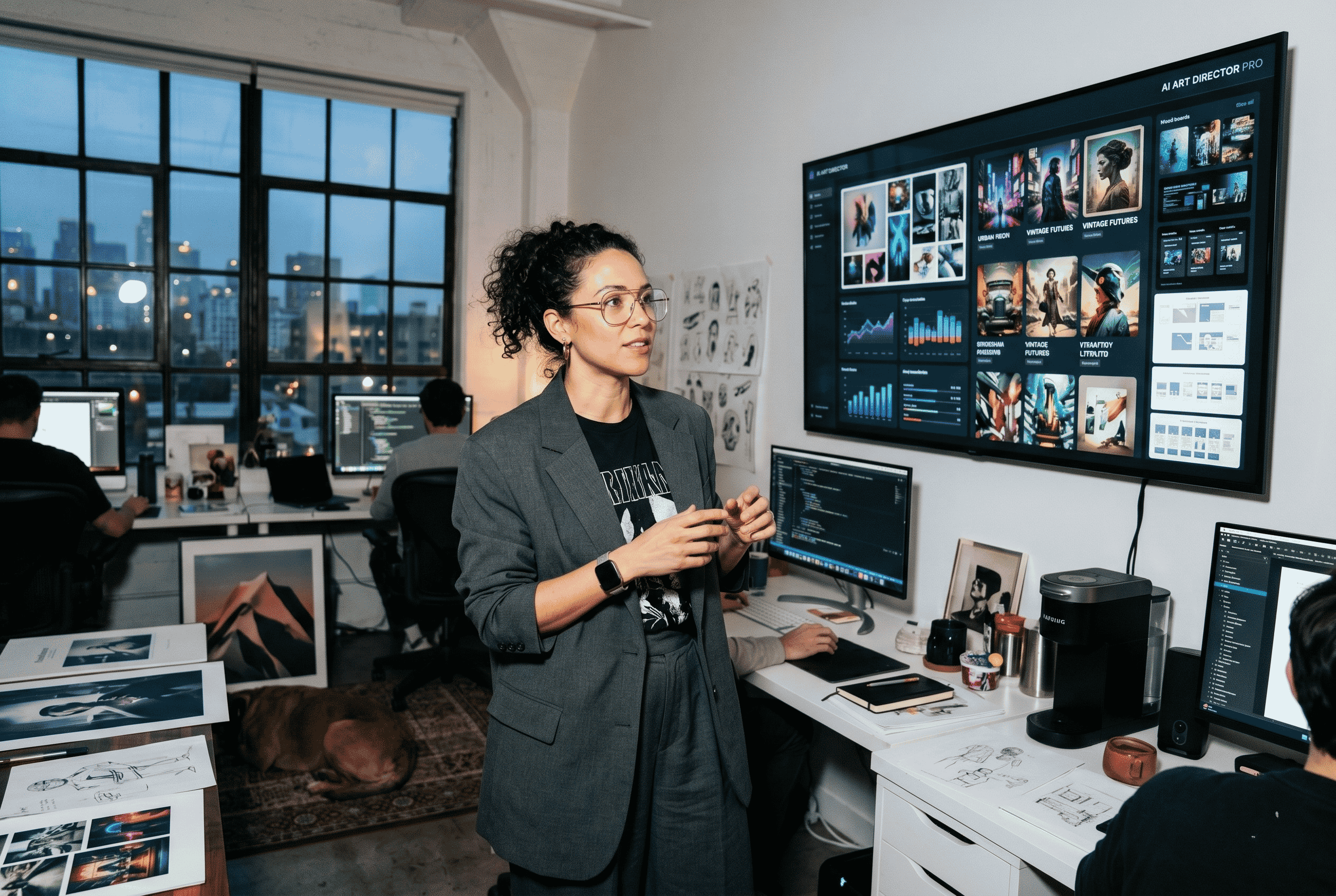
Art director character consistency AI production
Manual Corrections
~Zero
90% reduction vs. standard
XConda Studio — ClothSwap
TOOL 10 / 14
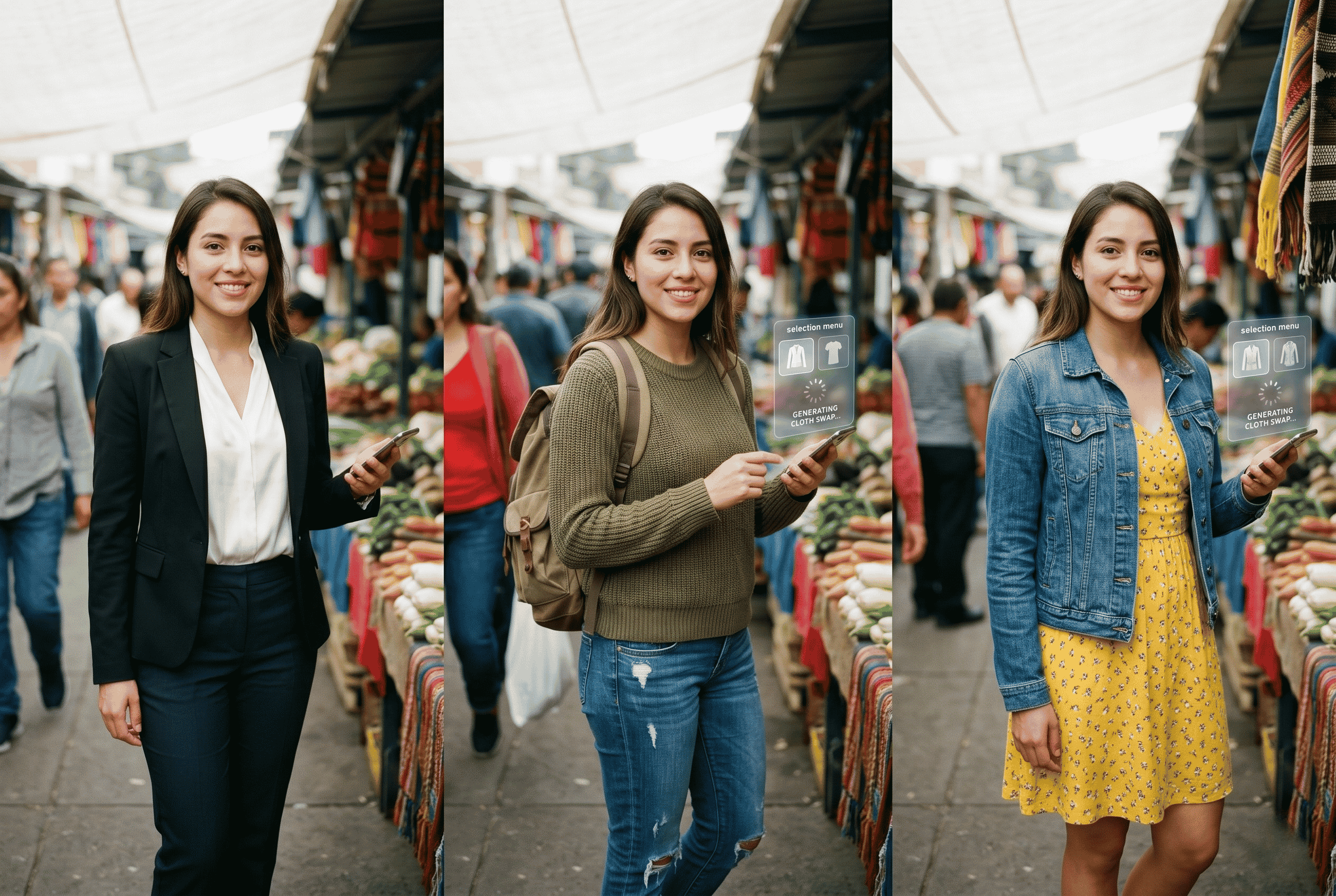
ClothSwap
Paint over the clothing area you want to replace, then upload a reference outfit image. AI swaps the garment with precision — preserving lighting, body shape, and scene context for seamless results.
Mask & SwapReference UploadLighting-Aware
Try ClothSwap
Fashion clothing AI swap wardrobe
Workflow
Paint & Swap
No 3D modelling needed
XConda Studio — Scene Snap
TOOL 11 / 14
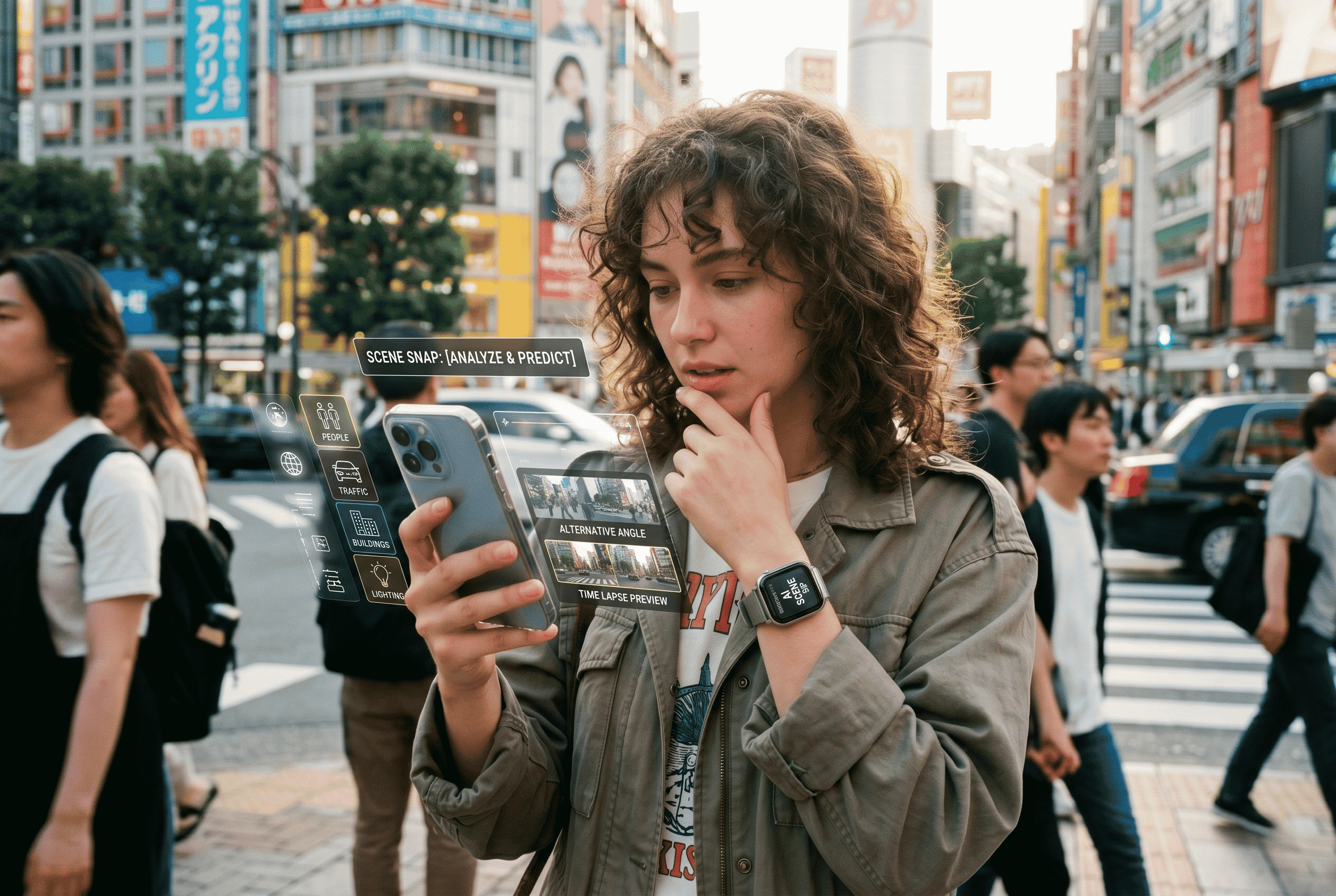
Scene Snap
Upload a single image and AI generates a 6-keyframe cinematic storyboard from it. Instantly turn a photo into a multi-scene sequence with consistent composition and directorial logic.
Image-to-Storyboard6 KeyframesCinematic Logic
Try Scene Snap
Cinematic storyboard scene photography
Output
6 Frames
From a single photo
XConda Studio — YouTube Ref
TOOL 12 / 14
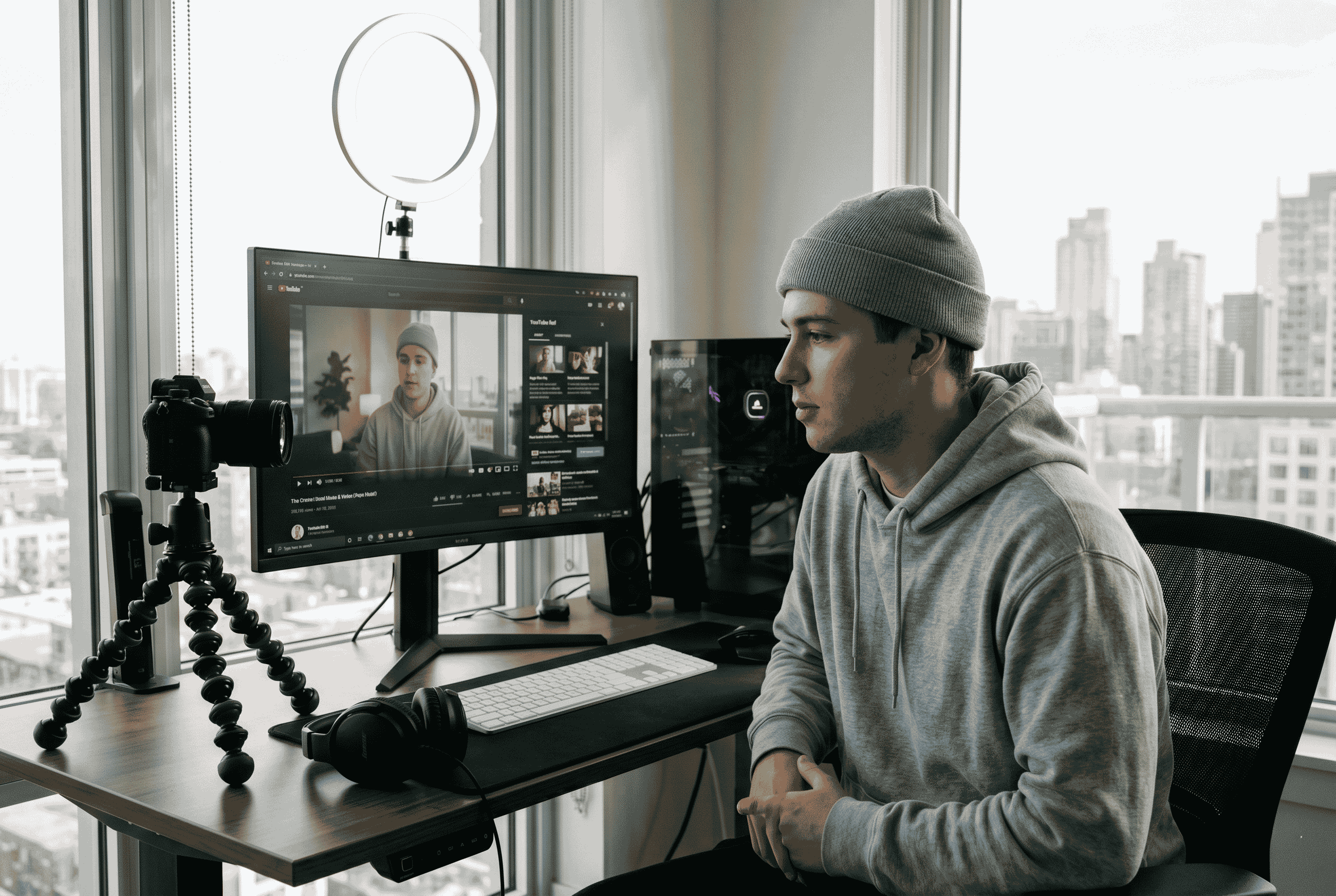
YouTube Ref
Paste any YouTube video link and AI analyses it to generate a 9-scene storyboard inspired by that video's style, pacing, and structure. Optionally upload character references to maintain visual identity.
URL-to-Storyboard9-Scene OutputCharacter Ref Upload
Try YouTube Ref
YouTube video reference AI storyboard
Input
Any URL
Paste link → 9 scenes
XConda Studio — SpinAngle
TOOL 13 / 14
SpinAngle
Draw a circle to mark the camera position and an arrow to indicate the direction. AI generates a photorealistic view from that exact perspective — precise camera control without any 3D software.
Draw-to-AnglePhotorealisticExact Perspective
Try SpinAngle
Camera angle perspective architectural AI
Control
Draw & Go
Circle + arrow = new angle
XConda Studio — CineGrade AI
TOOL 14 / 14
CineGrade AI
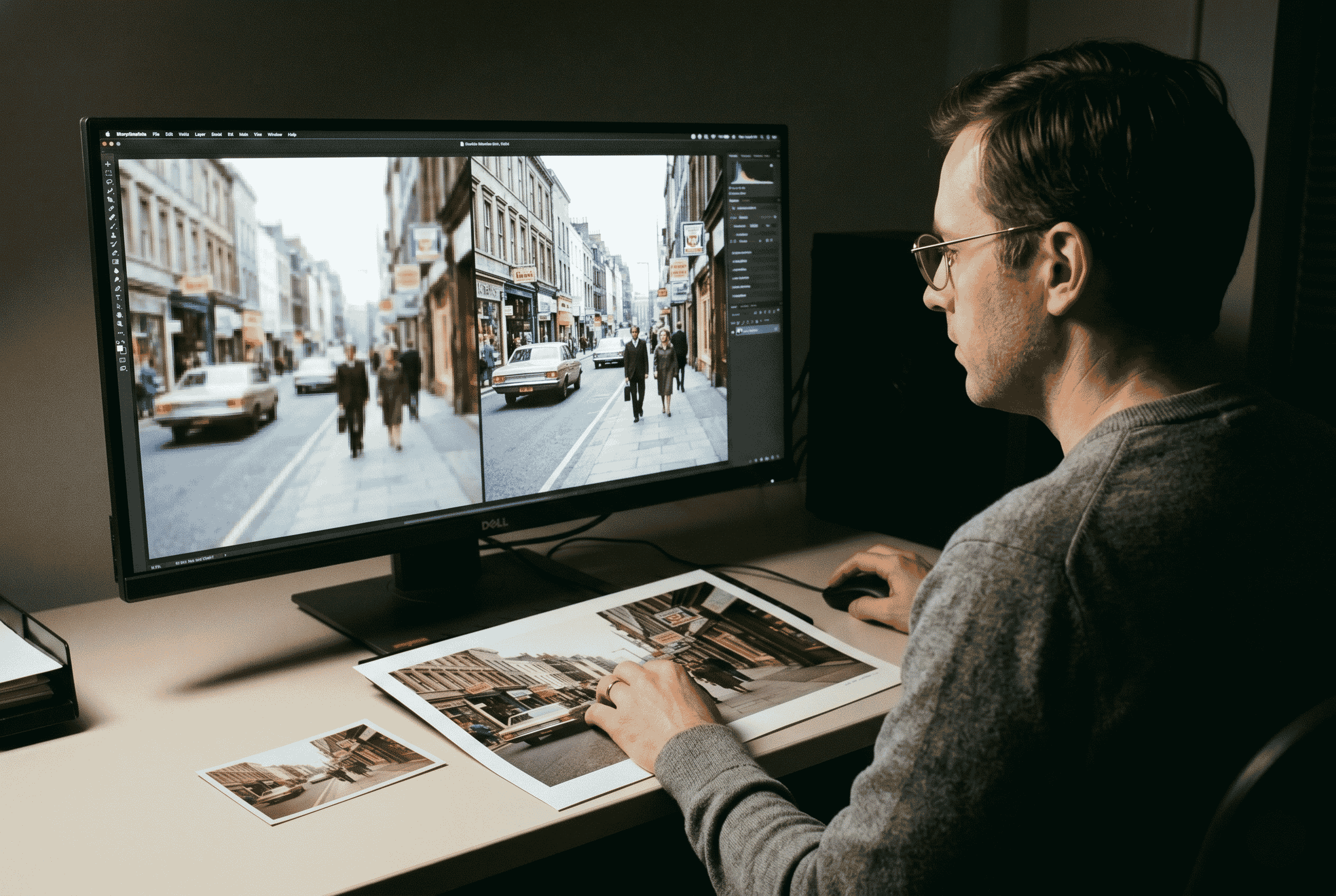
Upload a reference movie still and instantly transfer its color grading, contrast, and mood to your own photo. Get the exact cinematic look of your favourite films — applied to your content in seconds.
Color TransferFilm ReferenceMood Matching
Try CineGrade AI
Cinematic color grading film mood
Method
Reference
Film still → your photo

Measured Results

The XConda Advantage — in Numbers

Measured against standard manual AI workflows in real production environments.

0%
Reduction in manual character corrections
vs. standard AI workflow
0%
Production time saved per sequence
hours → minutes
0+
Specialized AI tools in one platform
one workflow, zero app-switching
0+
AI-generated cuts in real broadcast production
KBS national broadcast, 2024–2025

Who It's For

Built for Every Visual Creator

Select your audience below to explore how XConda supports each creator type

1
Creators
2
E-Commerce
3
Film & TV
4
Educators
5
Agencies
6
Artists
Viewing: Creators  ·  01 / 06
Content Creators & Influencers
Produce eye-catching, story-driven visual content at scale — without expensive equipment, editing software, or production teams.
  • Complete video sequences from a single text prompt
  • Consistent character appearance across all content
  • Ready for YouTube, Instagram, TikTok, and broadcast
  • No editing experience required
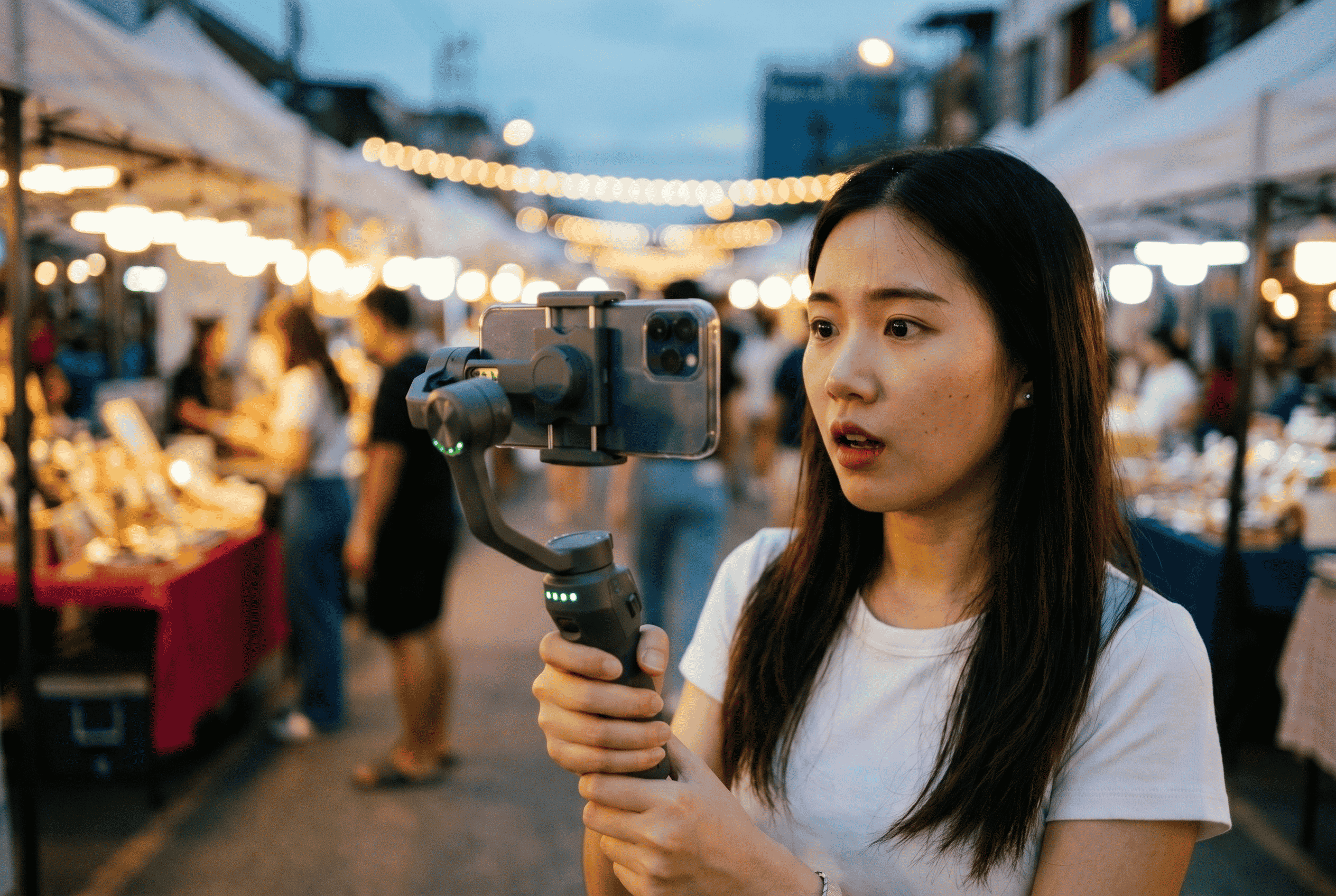
Content creator filming social media video
Social Media · YouTube · TikTok · Brand Content
E-Commerce & Brands
Create stunning product visuals, lifestyle imagery, and promotional videos that drive conversions — at a fraction of the cost of traditional shoots.
  • Multi-angle product shots from one reference image
  • Consistent brand visual identity at scale
  • Lifestyle content without physical shoots
  • Product ads and promotional videos in minutes
E-commerce product photography brand shoot
Product Catalogs · Ads · Brand Campaigns
Film & Video Producers
Accelerate pre-production with AI storyboarding, consistent scene generation, and cinematic stylization — before a single camera rolls.
  • Complete storyboards from concept or script
  • Character consistency across complex productions
  • Broadcast-quality output for pitches and pre-vis
  • Used in real production at KBS (2024–2025)
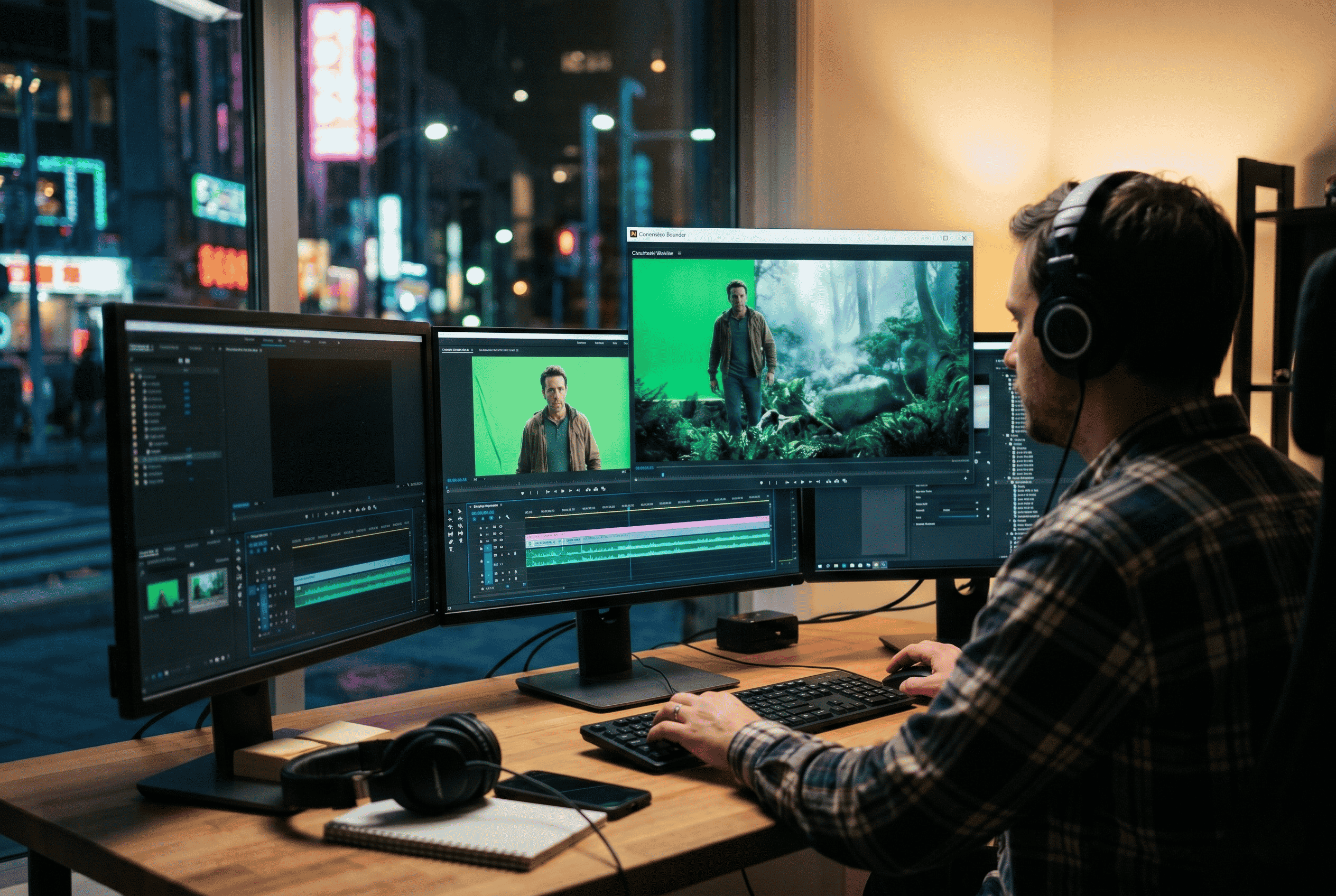
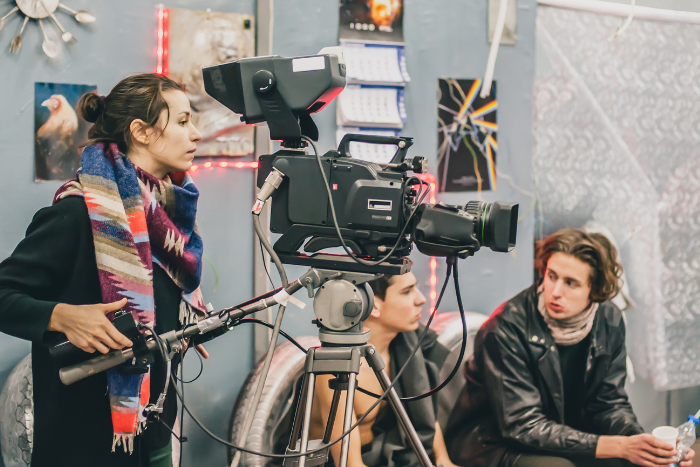
Film production set movie director camera crew
Pre-Vis · Storyboards · Broadcast Production
Educators & Trainers
Build engaging visual learning materials and training videos with minimal effort — and no production background required.
  • Consistent characters across all training modules
  • Scenario-based video content from text descriptions
  • Rapid iteration on course materials
  • Production-quality without a production team
Educator teaching e-learning video course
Course Content · Training Videos · E-Learning
Marketing Agencies
Deliver high-quality creative assets faster and at lower cost — multiply your output without scaling your headcount.
  • Rapid client concept visualization and pitching
  • Campaign-level visual consistency across all assets
  • Multiple creative directions from a single brief
  • API access for pipeline integration
Marketing agency creative team campaign strategy
Pitches · Campaigns · Client Deliverables
Independent Artists
Explore new creative possibilities with AI tools that amplify your artistic vision — not replace it.
  • Rapid style exploration with consistent visual language
  • Character and world-building at scale
  • Cinematic quality without a studio
  • Unlimited creative iteration at no extra cost
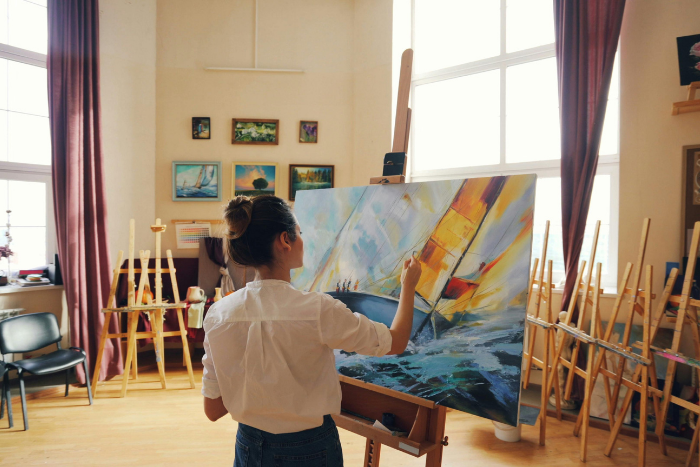
Independent artist painting creative studio
Art Direction · Concept Work · Creative Exploration

Why XConda

The XConda Advantage

Lightning Fast

Generate professional-quality images and videos in seconds, not hours — 100× faster than traditional production methods.

Cost-Effective

Replace expensive photo shoots, equipment, and editing software with one affordable AI-powered platform. Up to 70% cost reduction.

Consistent Quality

Studio-grade output every time — with causality-based AI that maintains character and environment coherence across every scene.

Creative Freedom

Experiment with unlimited styles, angles, and expressions without any additional cost or effort — iterate freely, publish confidently.

All-in-One Platform

14 specialized AI tools in a single workspace — no app-switching, no fragmented workflows, no inconsistency between tools.

No Learning Curve

Intuitive interface built for everyone — from first-time creators to experienced production teams. Start creating in minutes.

The Full Pipeline

One Ecosystem. Complete Production.

Every XConda tool is designed to work together — from environment and characters to full cinematic narrative.

Environment Layer
AI VirtualSet
360° backgrounds from one photo
🎬
Character Layer
Art Director Pro
4 AI agents, zero inconsistency
🎭
Narrative Layer
Director's Cut
Story logic across every scene
🌟
Output
Final Cut
Production-ready, commercially yours

FAQ

Straight Answers About How XConda Works

XConda is an AI-powered creative platform built around one mission: consistency. It combines 14+ tools for image generation, video creation, face swapping, upscaling, cloth swapping, and scene direction — all designed to keep characters, environments, and story logic coherent across every cut. Type your scenario and get 9 frames that tell one story.
Other tools generate great individual images or clips — but they have no memory of what came before. XConda is built specifically for multi-scene consistency. Every output is checked against your story state, so characters don't change, backgrounds don't drift, and your video feels like a coherent production.
No. Every tool is designed for intuitive use — describe what you want in plain language and XConda handles the rest. Most users produce their first complete scene sequence within minutes of signing up.
Typically 3–5 minutes for a complete 9-cut sequence with full consistency verification. Without XConda, the same sequence — including manual corrections — takes approximately 1 hour per iteration.
Yes. All content generated through XConda is yours to use commercially — for advertising, broadcast, social media, client work, film, or any other commercial purpose. No watermarks, no usage fees. Your content stays yours.
XConda uses a credit-based system with one-time credit packs (not subscriptions). New users receive 100 free credits to get started. Packs range from 100 credits ($2.50) up to 2,000 credits ($40.00). Credits are consumed per generation, and unused credits never expire.
Art Director Pro is XConda's character consistency engine. While AI VirtualSet keeps your backgrounds coherent, Art Director Pro keeps your characters — their appearance, costume, and expressions — consistent across every cut. They work together as the two core consistency engines inside XConda. Art Director Pro supports up to 4 sets of 9 frames at the cost of just one.
Yes. XConda supports team workflows for sharing projects, reviewing outputs, and scaling creative pipelines across distributed teams. Contact us for information on team and enterprise plans.

Pricing

Unlock Unlimited Creativity

Choose the pack that fits your workflow. One-time payment — not a subscription. New users get 100 free credits to start.

Starter
Starter Pack V1
$2.50
100 Credits
Perfect for beginners exploring AI creativity.
Get Starter V1
Value
Starter Pack V2
$5.00
200 Credits
A great starting point for regular creators.
Get Starter V2
Pro
Pro Pack V1
$12.00
500 Credits
A lite option for quick creative needs.
Get Pro V1
Max Value
Max Pack
$40.00
2,000 Credits
Get the most value for your creativity.
Get Max Pack

One-time payment · No subscription · Credits never expire · Your content stays yours

Start Creating

Type Your Scenario.
Get 9 Frames That Tell One Story.

Join the beta and claim your first free 100 credits. No equipment, no expertise — just your creative vision and XConda's AI doing the rest.