Live in XConda · AI VirtualSet "TURN"

Turn One Photo Into a
Cinematic 360° World

AI VirtualSet generates a distortion-free fisheye cubemap from a single image in moments — no 3D engine, no GPU, no green screen.

Try VirtualSet Free
1
Photo Input
6
Cubemap Faces
360°
Full Environment
$0.30
Per Generation
0
3D Skills Needed

Explore

The Shift

No 3D Engine. No GPU Rendering.
Just AI.

From one indoor photo, AI reconstructs the entire environment with perfect geometry — in moments.

3D Engines
GPU Rendering
Green Screen
Complex Pipelines
3D Expertise
One Photo
Instant Cubemap
Any Camera Angle
Zero Distortion

Live Demo

Watch AI VirtualSet In Action

A real environment built from a single photo — see exactly how one image becomes a complete cinematic 360° world.

AI VIRTUALSET
360° CUBEMAP · TURN
0:00
AI VirtualSet — 360° World from One Photo
Single Photo Input · 6-Face Cubemap · Zero 3D Engine
0:00 / 0:00
Start Creating Free
No credit card required · One photo is all you need · Full 360° cubemap output

How It Works

From Photo to 360° — in 5 Steps

Click each step to explore what happens inside the AI pipeline.

Step 01 of 05
Upload a Single Indoor Photo
Any well-lit interior image works. You don't need to photograph the room from multiple angles — one clean shot is everything the AI needs to reconstruct the full environment.
  Takes under 10 seconds
Step 02 of 05
AI Generates Missing Faces
AI uses spatial understanding to extrapolate the remaining 5 cubemap faces from your single reference. Each face is mathematically derived to match the room's geometry — no guessing, no hallucinations.
  Multimodal spatial AI
Step 03 of 05
AI Stitches & Removes Seams
Where the six faces join, seam artifacts are automatically detected and corrected. The result is a seamless, visually continuous environment — no visible edges, no warping at the boundaries.
  Proprietary seam correction
Step 04 of 05
6 Faces Assembled Into a Cubemap
Top, bottom, front, back, left, and right — all six faces are assembled into a standard cubemap format. This is the same format used in game engines and cinematic VFX, meaning it integrates with any existing pipeline.
  Standard 6-face cubemap format
Step 05 of 05
Navigate the Set From Any Angle
Inject the cinematic camera engine and move through your virtual set in any direction. Change angles, place characters, cut between shots — all with full spatial consistency because every face was built from the same geometric reference.
  Infinite camera angles from one photo
01
Upload Photo

Any well-lit indoor photo. One image is all the AI needs to build the full 360° environment.

02
AI Generates Missing Faces

AI extrapolates all 5 remaining cubemap faces using spatial understanding — mathematically correct, zero hallucinations.

03
Seam Fix

AI stitches faces and removes all seam artifacts for a seamless, continuous environment.

04
Cubemap Assembly

All 6 faces assembled into a standard cubemap — compatible with any production pipeline.

05
Camera Integration

Navigate the virtual set from any angle with cinematic camera controls. Infinite shots, zero reshoots.

What's a Cubemap?

One Photo.
Six AI-Generated Views.

AI VirtualSet TURN takes your single source photo and generates every other view of the exact same space — consistent lighting, geometry, and spatial depth. No reshoots. No 3D engine.

1
Photo In
+5
AI Views
6
Cube Faces
360°
Full World
3D Preview
✦ Regenerate 63 credits
LeftLEFT
FrontFRONT SOURCE
RightRIGHT
BackBACK
TopTOP
BottomBOTTOM
  Drag to explore all 6 views
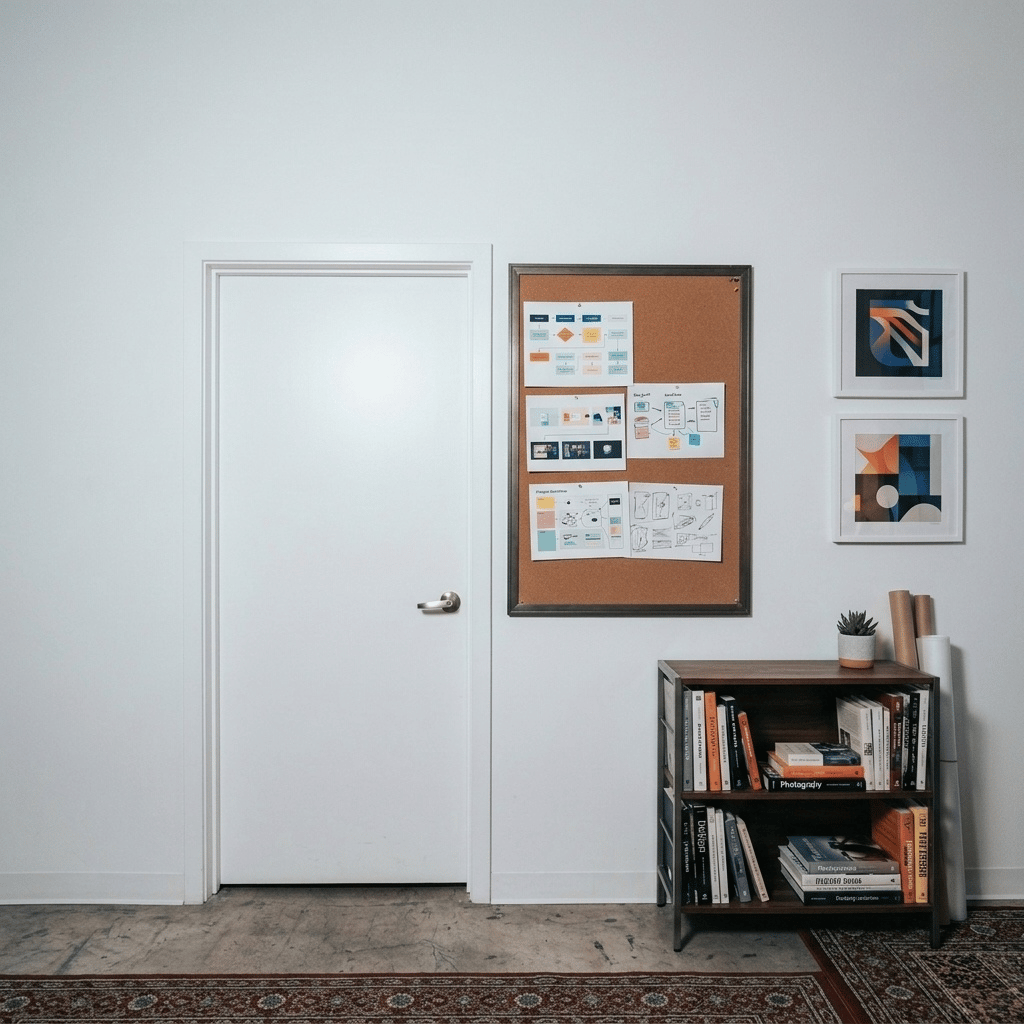
YOUR SOURCE PHOTO
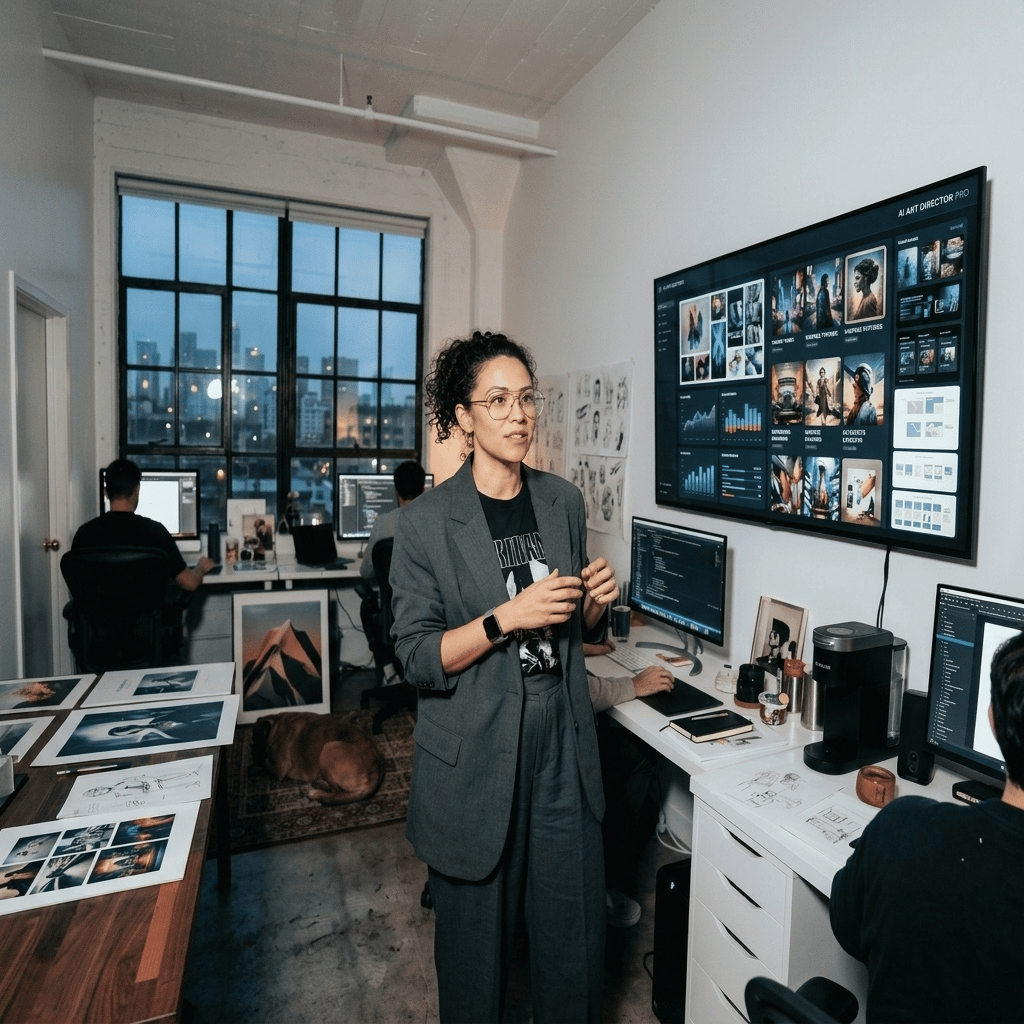
FRONT — Source Photo
AI reads this image's geometry, lighting & depth to build all 5 other views
1 Upload
Cube Map
6 Faces Generated
Left
LEFT
Brush
Front
FRONT
SOURCE
Brush
Right
RIGHT
Brush
Top
TOP
Brush
Back
BACK
Brush
Down
DOWN
Brush
Every face originates from the same single source photo

The FRONT image you upload anchors the AI's full spatial model — lighting temperature, surface textures, architectural scale. All five generated views inherit these properties, producing a coherent 360° cubemap instead of a collage of unrelated images. This is what makes TURN fundamentally different from background replacement.

Try TURN Free
  3D Cubemap — Interact

Explore All 6 Faces in 3D

Drag to rotate freely in any direction. Release to glide with inertia. Click a preset or face row to snap to that view.

Front
Front
Source
Back
Back
AI Built
Left
Left
AI Built
Right
Right
AI Built
Top
Top
AI Built
Down
Down
AI Built
  Drag to rotate  ·  Release to glide  ·  Click face to highlight
6 Cubemap Faces
Front
Front — Source Photo

Your upload · the anchor for all AI views

Your Photo
Left
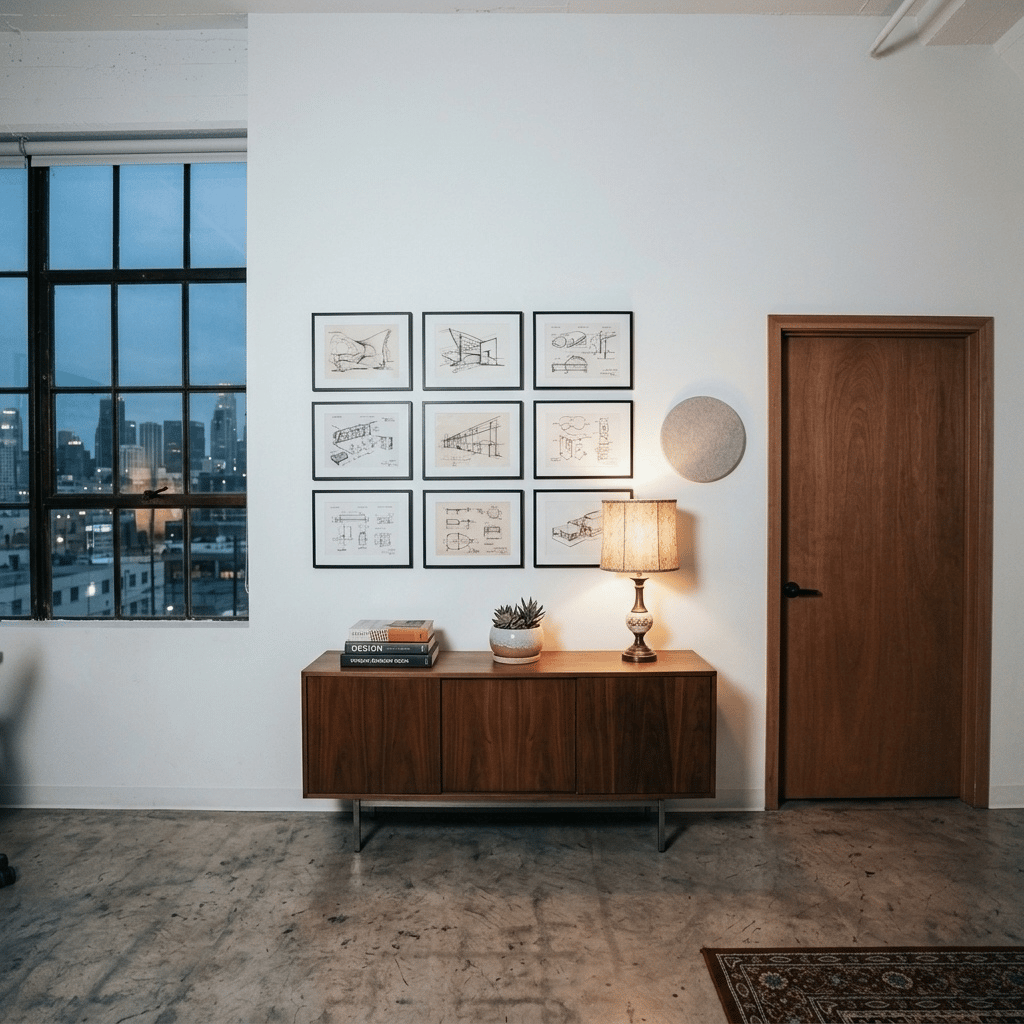
Left — AI Generated

90° pan left · same scene & lighting

AI Built
Right
Right — AI Generated

90° pan right · consistent geometry

AI Built
Top
Top — AI Generated

Tilt up · ceiling & atmosphere inferred

AI Built
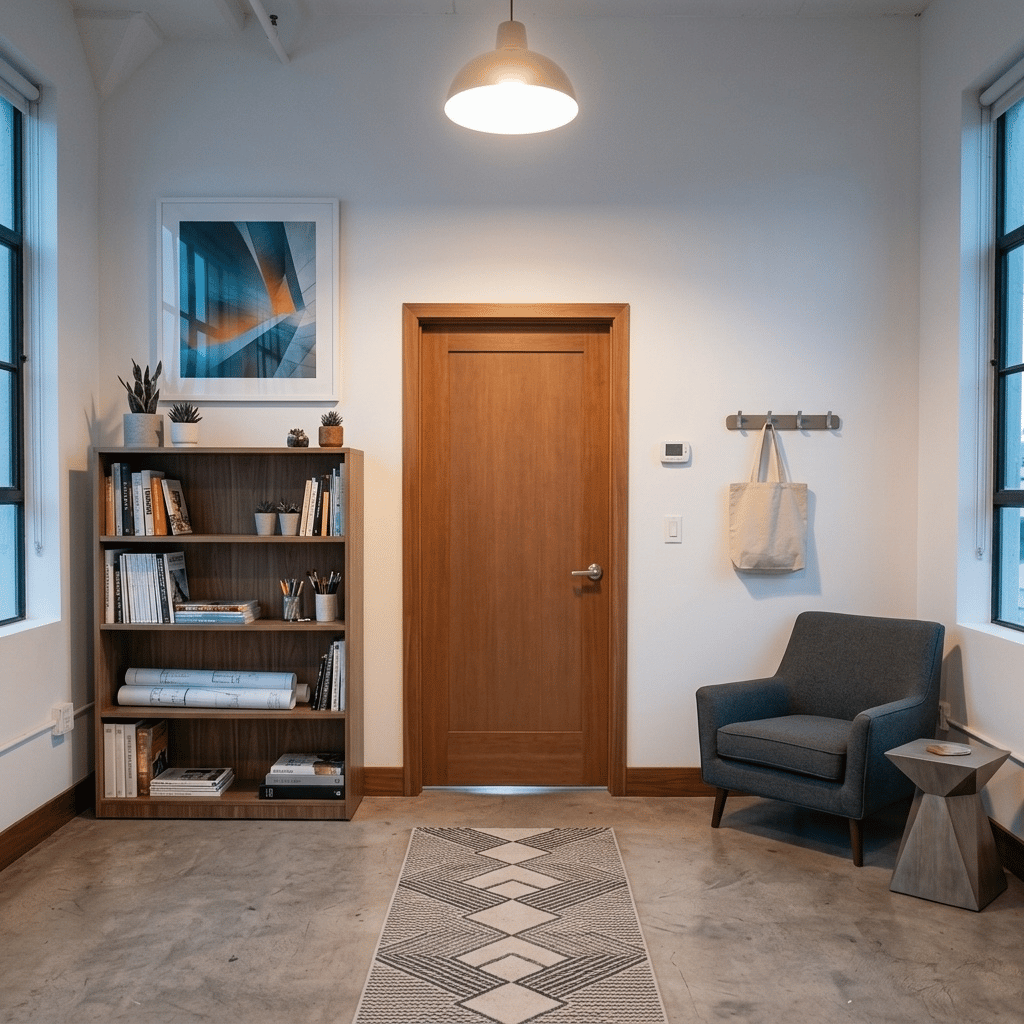
Back
Back — AI Generated

180° turn · area directly behind camera

AI Built
Down
Down — AI Generated

Look down · floor from spatial depth

AI Built

Capabilities

Built for Precision and Speed

Distortion-Free Output

Each face is mathematically corrected for accurate, undistorted visuals across all six surfaces.

Natural Language Editing

Describe the set you want in plain words — AI makes it real without any technical configuration.

Character Integration

Place and animate characters directly inside the cubemap environment with correct spatial grounding.

Camera Angle System

Cinematic camera controls let you take dynamic shots in any direction — no re-rendering needed.

Competitive Edge

No Other Platform Does This

Capability comparison as of April 2026.

Feature AI VirtualSet Others
Photo → Cubemap (1-shot)
Distortion Removal
Character Placement
Camera Liberation
No 3D Engine Required
Natural Language Control
Integrated Tools

Pricing

Production at a Fraction of the Cost

Transparent, usage-based pricing for any scale of production.

15–20
Faces per Cubemap
Cubemap Generation
$0.30
per generation
Credit Cost
50–66
generations per pool
Credit Pool

Ecosystem

Part of the XCONDA Engine

AI VirtualSet is the environment layer. Pair it with the full pipeline for complete production consistency.

YOU ARE HERE
AI VirtualSet
Characters
Art Director Pro
Narrative
Director's Cut

FAQ

Frequently Asked Questions

AI VirtualSet is XConda's background consistency engine. From a single indoor photo, it generates a complete distortion-free 360° cubemap — a 6-face virtual environment you can navigate from any camera angle. No 3D engine, no GPU rendering, no green screen required.
Background inconsistency is one of the most visible failures in AI video. When your environment shifts between cuts, viewers notice immediately and trust breaks down. AI VirtualSet creates a geometrically consistent 360° environment — so every camera angle shares the same spatial reality, with no warping, no seams, no drift.
Any indoor photo works. A clean, well-lit interior produces the best results. The AI extrapolates the remaining 5 cubemap faces from your single input — no need to photograph the room from multiple angles.
Background replacement gives you a flat image behind your subject. AI VirtualSet creates a full 3D-coherent environment you can actually navigate. When you change the camera angle, the environment responds correctly in all directions — just like a real set.
Each cubemap generation costs $0.30–$0.40 in credits. A standard credit pool covers 50–66 generations. Get started free — no credit card required.
Yes. AI VirtualSet supports character placement and animation directly within the 360° environment. Characters interact with the spatial geometry correctly, making the scene feel grounded and real rather than composited.
AI VirtualSet is the background consistency layer in XConda's pipeline. It works alongside Art Director Pro (character consistency) and Director's Cut (narrative flow) to give your entire production a coherent, cinematic quality from start to finish.
Yes. AI VirtualSet is API-accessible and supports multi-seat team environments. Contact us for developer documentation and enterprise access.

Start Creating

Build Entire Worlds
From a Single Image

No complexity. No rendering. Just results.